
Activate Entra ID Roles via PIM with restricted access to the Microsoft Entra Portal

· 1 min read
Table of Contents
No matching heading
Access denied to the Microsoft Entra portal
If your tenant uses PIM for role assignment, you may encounter the following error message when accessing the Microsoft Entra portal:
You don't have access
Copy the error details and send them to your administrator(s) to get access to this page.
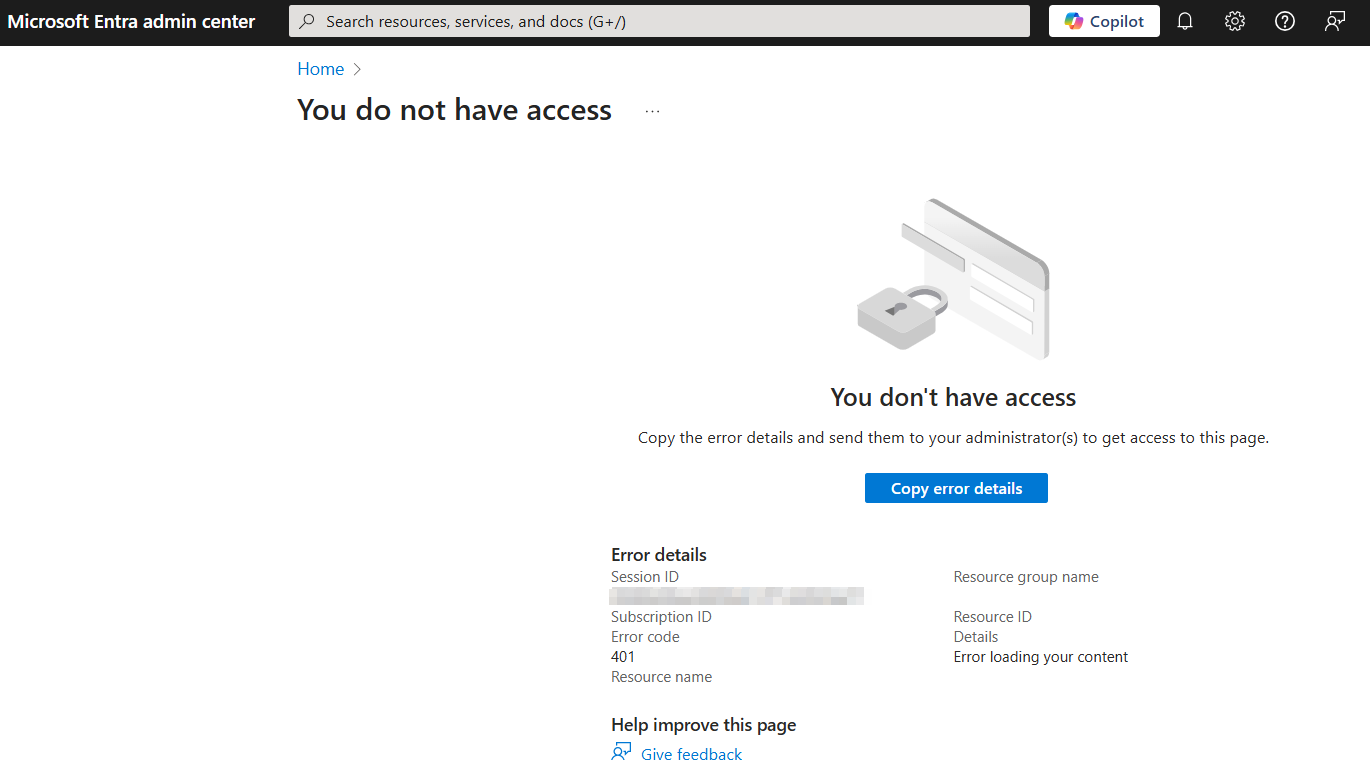
This situation occurs if the following conditions are met:
- You currently have no roles assigned in Entra ID.
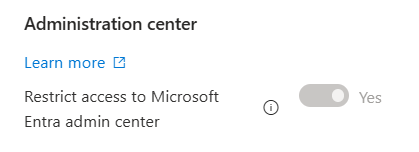
Restrict access to Microsoft Entra admin center : Yes(recommended practice) in https://entra.microsoft.com/#view/Microsoft_AAD_UsersAndTenants/UserManagementMenuBlade/~/UserSettings/menuId/
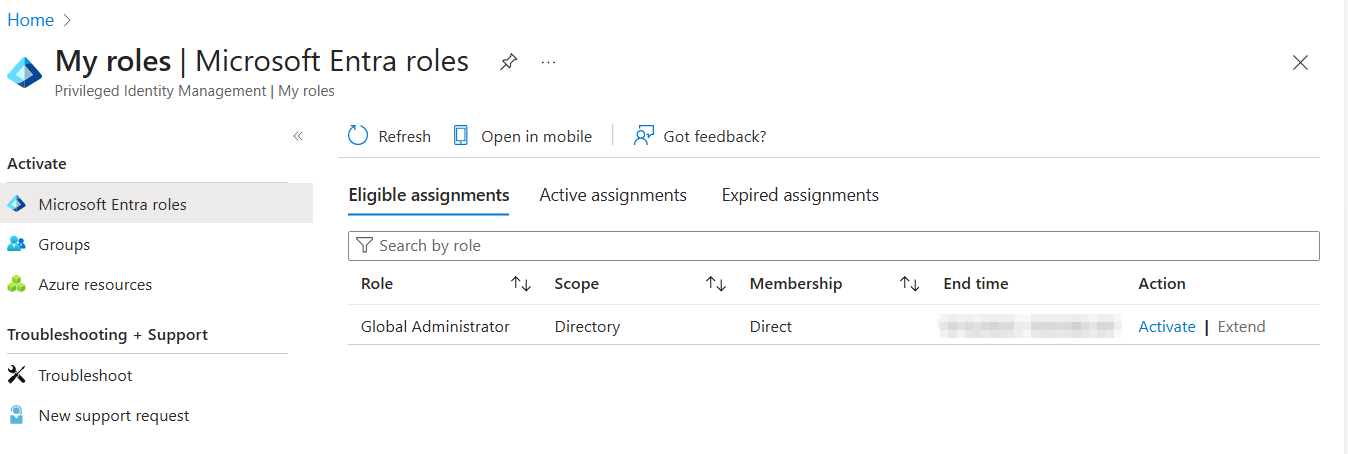
How to activate your roles via PIM with restricted portal access
In this situation, it’s reasonable to ask: how can I activate my admin role via PIM?
Since you don’t have access to the Entra ID portal, you can’t navigate through the menus.
You’ll need to go directly to the PIM role management URL (consider bookmarking it):
https://entra.microsoft.com/#view/Microsoft_Azure_PIMCommon/ActivationMenuBlade/~/MyRoles
💡
Tip: You can also use the aka.ms link:
https://aka.ms/pim
It works even though it redirects to Azure instead of Entra ID.
https://aka.ms/pim
It works even though it redirects to Azure instead of Entra ID.
On this page, you’ll be able to activate your roles.